

Social Feed

Don't be caught with your knickers down!
There is a very simple method to save (backup) your satellites, transponders, channels, LNBF type and L.O. frequencies, motor and switch settings. If you have done a lot of work to create your own personal list of these items, you don't want to have to repeat all that work (entering new sats or TPs or scanning for channels) if you don't have to. Guess what, you don't.
Format a USB flash memory stick with FAT32 system.
Insert this flash drive into your AZBox USB port.
Select SETTINGS > SYSTEM INFORMATION > BACKUP/RESTORE
Press the RED button on your remote to BACKUP the file/s to your USB drive.
You will be prompted to save the file to: /Data/usb1/sda1
Press OK
When the files have been transferred, you will be presented the message:
"Backup completed successfully"
Press the USB button on your remote and the message "Eject USB" will be shown on the TV screen indicating that you may safely remove the USB drive from the receiver.
The file saved will be: CHANNEL.bak
There are two other file folders that will be created (pvrfile and recordfile), but they will usually be empty and you won't require them for the restoration process.
This is a very simple procedure and extremely worth the few seconds it requires to complete.
If your AZBox should crash or become corrupted somehow, you have this list to restore your previously known working setup of satellites, transponders and channels as well as motor, switch and LNB L.O. settings.
To restore your data, simply insert the USB drive with the CHANNEL.bak file on it in your AZBox USB port, navigate to SETTINGS > SYSTEM INFORMATION > BACKUP/RESTORE and press the BLUE button on the remote.
A very nice perk! Enjoy.
RADAR
There is a very simple method to save (backup) your satellites, transponders, channels, LNBF type and L.O. frequencies, motor and switch settings. If you have done a lot of work to create your own personal list of these items, you don't want to have to repeat all that work (entering new sats or TPs or scanning for channels) if you don't have to. Guess what, you don't.
Format a USB flash memory stick with FAT32 system.
Insert this flash drive into your AZBox USB port.
Select SETTINGS > SYSTEM INFORMATION > BACKUP/RESTORE
Press the RED button on your remote to BACKUP the file/s to your USB drive.
You will be prompted to save the file to: /Data/usb1/sda1
Press OK
When the files have been transferred, you will be presented the message:
"Backup completed successfully"
Press the USB button on your remote and the message "Eject USB" will be shown on the TV screen indicating that you may safely remove the USB drive from the receiver.
The file saved will be: CHANNEL.bak
There are two other file folders that will be created (pvrfile and recordfile), but they will usually be empty and you won't require them for the restoration process.
This is a very simple procedure and extremely worth the few seconds it requires to complete.
If your AZBox should crash or become corrupted somehow, you have this list to restore your previously known working setup of satellites, transponders and channels as well as motor, switch and LNB L.O. settings.
To restore your data, simply insert the USB drive with the CHANNEL.bak file on it in your AZBox USB port, navigate to SETTINGS > SYSTEM INFORMATION > BACKUP/RESTORE and press the BLUE button on the remote.
A very nice perk! Enjoy.
RADAR
5 Replies
·
11985 views


Lifetime Supporter
Schedule drops tomorrow. Mandatory mini camps in June. Hall of Fame game August 6th.
115 Replies
·
1815 views





Staff member
HERE TO HELP YOU!
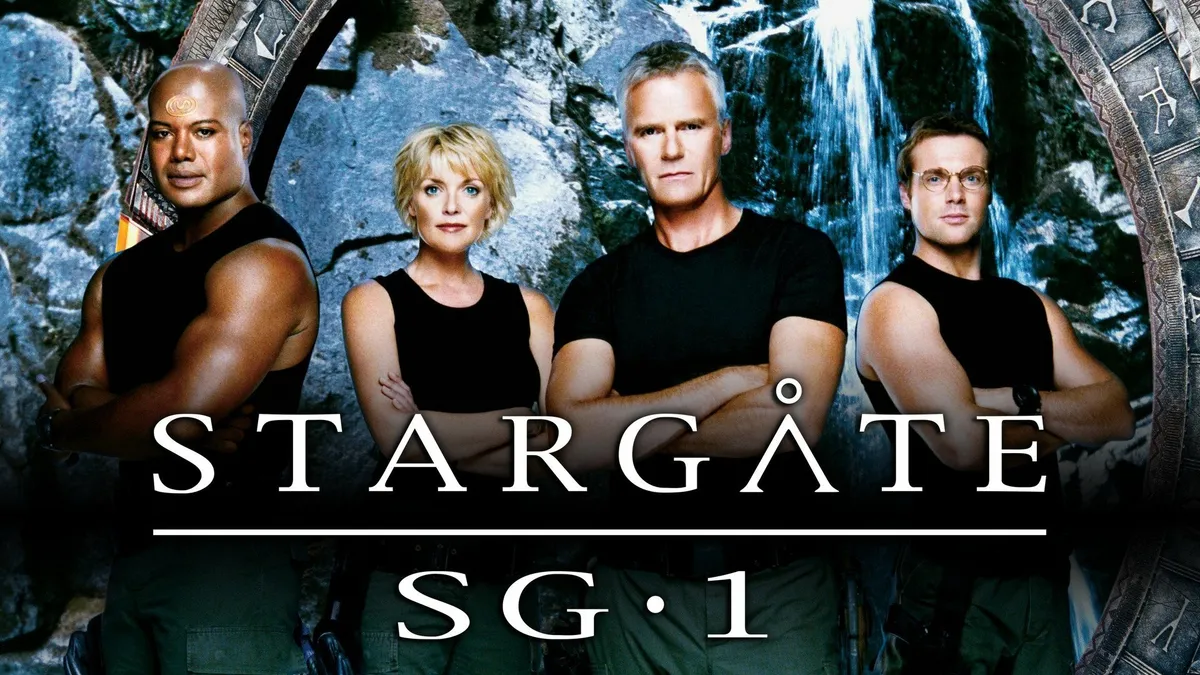
Stargate SG-1 cancelled, Atlantis renewed

Monday - August 21, 2006 | by Darren Sumner
The future of Stargate is in question today, as SCI FI Channel has cancelled the long-running Stargate SG-1, Multichannel News reported today and a GateWorld source has confirmed. The news regrettably follows the airing of the show's milestone two-hundredth episode on Friday.
Stargate Atlantis, meanwhile, has been renewed for a fourth season, with the network hoping to see that the spin-off series can stand alone, according to a source.
Source Gateworld
Monday - August 21, 2006 | by Darren Sumner
The future of Stargate is in question today, as SCI FI Channel has cancelled the long-running Stargate SG-1, Multichannel News reported today and a GateWorld source has confirmed. The news regrettably follows the airing of the show's milestone two-hundredth episode on Friday.
Stargate Atlantis, meanwhile, has been renewed for a fourth season, with the network hoping to see that the spin-off series can stand alone, according to a source.
Source Gateworld
2033 Replies
·
184125 views



Staff member
HERE TO HELP YOU!
Cutting Edge
Sometimes a thread gets so many posts in it that is can cause issues for the server so that why today we introduce The Song Name Game Part 3!
So let the game continue!
The last song was added by Bobby who posted...
One Meat Ball - Andrews Sisters
CONTINUE ON AND HAVE FUN! WELCOME HOME TO SATELLITEGUYS.US!
Here are the original rules for the game as posted by WebbyDude back in 2006. http://www.satelliteguys.us/threads/68645-Song-Name-Game
Just name a song title and the band who performed it. The next person does the same thing, but needs to list a song title or band name which includes a word from the previous entry. Pick songs from any genre.
Example:
Long Live Rock and Roll -- Rainbow
Rainbow in the Dark -- Dio
Another example:
Ride the Lightning -- Metallica
Lightning Strikes -- Ozzy Osbourne
Get it?
An additional note: we all know that song titles, sometimes, use profane words. Because this is a family friendly website it is advised that you clean up that title up a bit. This is accomplished by using something like sh!t instead of the real word. Thanks....
So let the game continue!
The last song was added by Bobby who posted...
One Meat Ball - Andrews Sisters
CONTINUE ON AND HAVE FUN! WELCOME HOME TO SATELLITEGUYS.US!
Here are the original rules for the game as posted by WebbyDude back in 2006. http://www.satelliteguys.us/threads/68645-Song-Name-Game
Just name a song title and the band who performed it. The next person does the same thing, but needs to list a song title or band name which includes a word from the previous entry. Pick songs from any genre.
Example:
Long Live Rock and Roll -- Rainbow
Rainbow in the Dark -- Dio
Another example:
Ride the Lightning -- Metallica
Lightning Strikes -- Ozzy Osbourne
Get it?
An additional note: we all know that song titles, sometimes, use profane words. Because this is a family friendly website it is advised that you clean up that title up a bit. This is accomplished by using something like sh!t instead of the real word. Thanks....
68535 Replies
·
2673383 views


TWiT Tech Podcast Network
Time for another AWESOME video from the TWIT Network!
View: https://www.youtube.com/shorts/wVdnjWsw2Uk
Direct YouTube Link - Defender on Linux: Microsoft's Big Security Move #shorts
TWIT's Website
TWIT Live Feed
View: https://www.youtube.com/shorts/wVdnjWsw2Uk
Direct YouTube Link - Defender on Linux: Microsoft's Big Security Move #shorts
TWIT's Website
TWIT Live Feed
0 Replies
·
6 views

Supporting Founder
Really excited for this season with Kentucky having a new coach and some really exciting recruits. Probably won't last long, but here's hoping this season is great.
152 Replies
·
1921 views
 . Hated to see my dawgs go down but I still say being ranked #1 is a hex on you!


TWiT Tech Podcast Network
Time for another AWESOME video from the TWIT Network!
View: https://www.youtube.com/shorts/PSGt6dUXdnI
Direct YouTube Link - RTX Spark: NVIDIA's AI PC Powerhouse Details! #shorts
TWIT's Website
TWIT Live Feed
View: https://www.youtube.com/shorts/PSGt6dUXdnI
Direct YouTube Link - RTX Spark: NVIDIA's AI PC Powerhouse Details! #shorts
TWIT's Website
TWIT Live Feed
0 Replies
·
12 views

Why are ViP922s So rare? like its crazy how ebay has none, i checked everywhere, also, i got a ViP222k now, which is actually activated!
7 Replies
·
218 views


TWiT Tech Podcast Network
Time for another AWESOME video from the TWIT Network!
View: https://www.youtube.com/shorts/A_V4A_ne8wE
Direct YouTube Link - "You Can See Everything" Is 1 of the Century's Best #shorts
TWIT's Website
TWIT Live Feed
View: https://www.youtube.com/shorts/A_V4A_ne8wE
Direct YouTube Link - "You Can See Everything" Is 1 of the Century's Best #shorts
TWIT's Website
TWIT Live Feed
0 Replies
·
19 views
Staff member
HERE TO HELP YOU!
We have a Breakfast and Dinner thread so... 
Continuing from the Breakfast thread, found Cornbread mix so ...
Yellow Cornbread Mix
2 Hatch Green Chiles -diced
1 Egg
2/3 cup of milk
add to greased pan
Bake for 400f 20-25 minutes(From instructions)
now to put together and try... this to go with pinto beans...
Continuing from the Breakfast thread, found Cornbread mix so ...
Yellow Cornbread Mix
2 Hatch Green Chiles -diced
1 Egg
2/3 cup of milk
add to greased pan
Bake for 400f 20-25 minutes(From instructions)
now to put together and try... this to go with pinto beans...
5446 Replies
·
335544 views

