I connected a USB external drive to the 622.
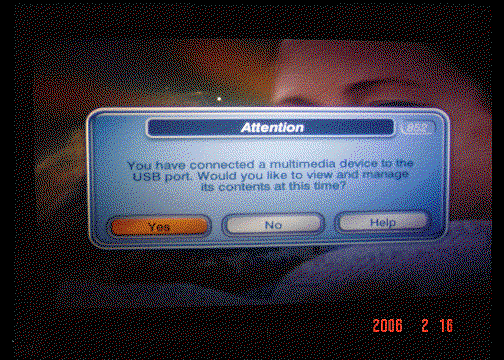
As soon as the USB is plugged in, a window pops-up as shown in Picture 1
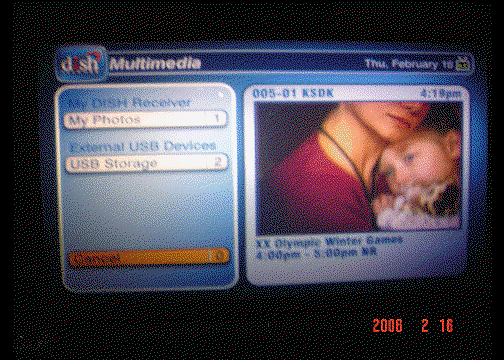
After clicking on Yes, another window opens, Picture 2.
I selected #2 USB Storage Device.
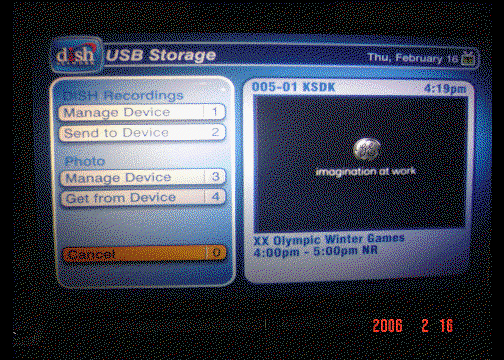
The USB Storage window opens, Picture 3
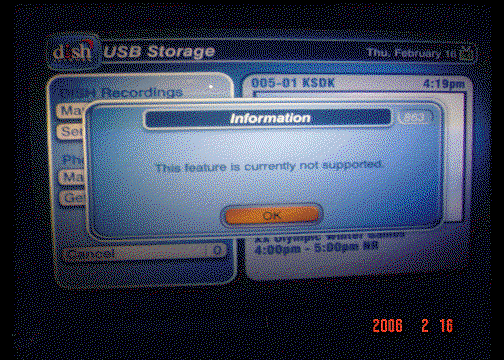
Either selection under Dish Recordings pops up the window in Picture 4
Either selection under Photo pops up the window in Picture 5, where you can see graphics of a list of photos in the background.
I did not have any photos on the connected USB drive.
It appears the option is only currently active for viewing photos off an external USB drive.
As soon as the USB is plugged in, a window pops-up as shown in Picture 1
After clicking on Yes, another window opens, Picture 2.
I selected #2 USB Storage Device.
The USB Storage window opens, Picture 3
Either selection under Dish Recordings pops up the window in Picture 4
Either selection under Photo pops up the window in Picture 5, where you can see graphics of a list of photos in the background.
I did not have any photos on the connected USB drive.
It appears the option is only currently active for viewing photos off an external USB drive.