Ignoring Forums

navychop

Stop overfishing Panthalassa!
Original poster
Pub Member / Supporter
Lifetime Supporter
Jul 20, 2005
64,152
33,629
Northern VA
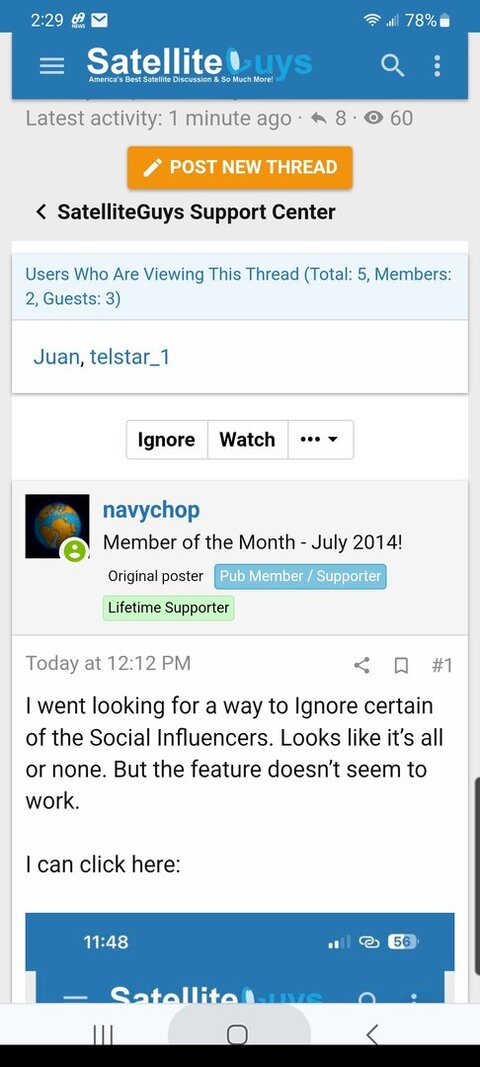
I went looking for a way to Ignore certain of the Social Influencers. Looks like it's all or none. But the feature doesn't seem to work.

I can click here:

IMG_7097.jpeg


But it just leads to:

IMG_7098.png


Am I missing something? Can I block the Social Influencers, or better yet, block selected ones?
 
I went looking for a way to Ignore certain of the Social Influencers. Looks like it's all or none. But the feature doesn't seem to work.

I can click here:

View attachment 171935

But it just leads to:

View attachment 171936


Am I missing something? Can I block the Social Influencers, or better yet, block selected ones?

I had asked Scott about that myself. Hoped we could have the Social Inflencers forum but with each influencer being in a separate sub-forum so I could get notifications from just individual ones I liked. I was told it would be too difficult so it was the all or nothing option. :(
 
My Overload Warning is flashing bright red.

I assume the site gets some money out of this, or at least increased traffic. So it serves a purpose.

But now I have to go thru several pages of Latest Posts to get up to date. Ignoring some or all Socials would be nice, but perhaps not required.

PLEASE LOG IN TO GET RID OF THESE ADS!
 
I don't really know what to tell you but when Scott recently rearranged the influencers forum I just went into it and selected ignore then selected all the options and then I was done.
 
At the top of a particular thread there is an option that says ignore

PLEASE LOG IN TO GET RID OF THESE ADS!
 
  • Like
Reactions: charlesrshell

Dang it…

Spring Cleaning?