

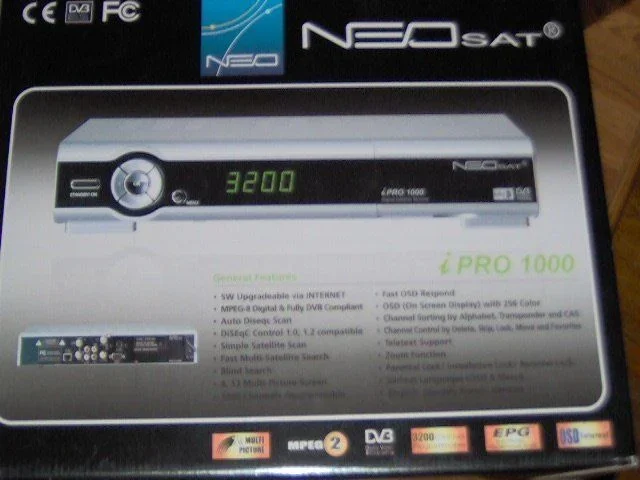
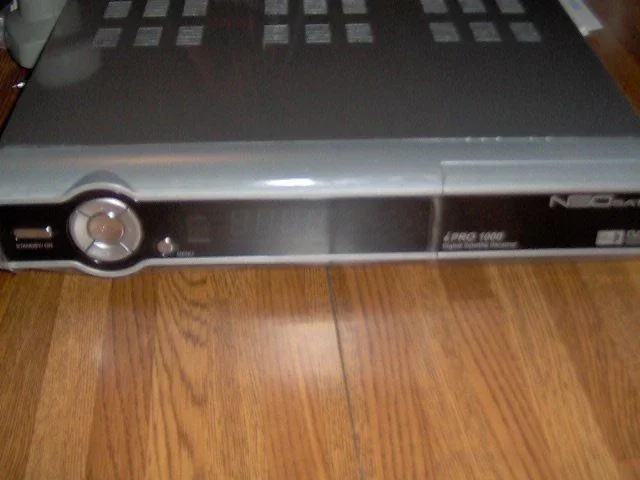
I have the pleasure of reviewing the NEOSat Pro 1000. The unit from the front is very nice. It has a 7 button front (channel up/down, volume up/down, power, ok & menu) so it looks like the basic functions can be done from the unit. On the back is the usual. One set of a/v plugs, s-video, coax in & out, antenna in & loop out, and a SPDIF output.
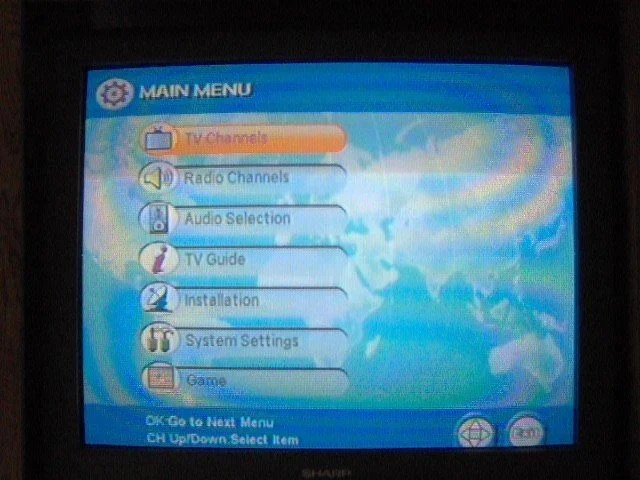
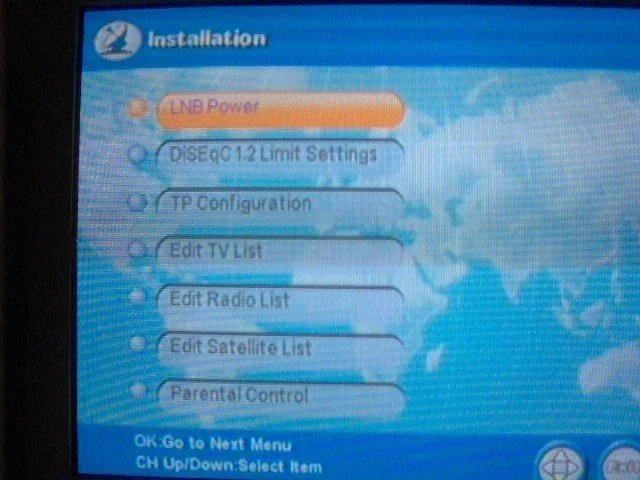
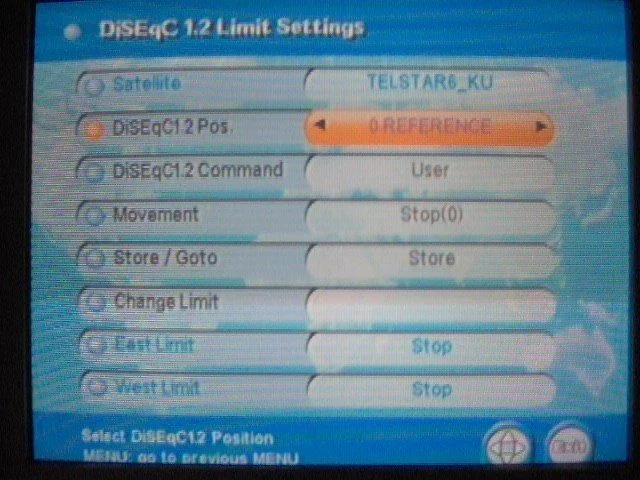
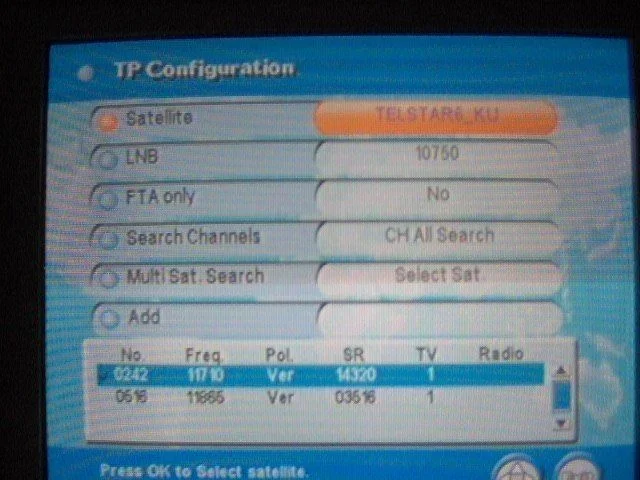
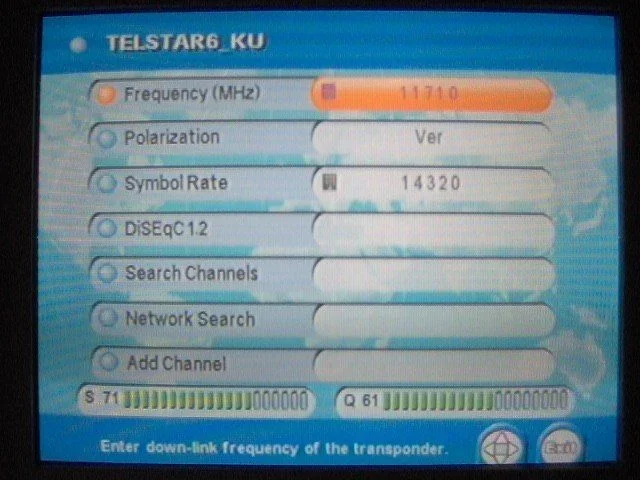
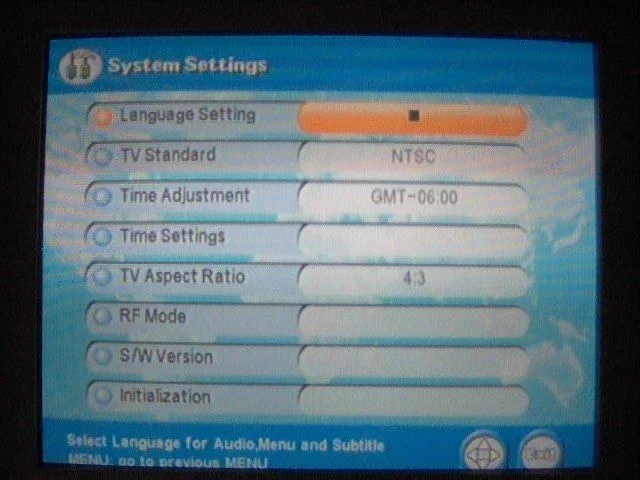
I hooked it up to my motorized unit and away we went. One thing I really like is the menu setup. Its pretty straight forward. My options (since it was new) were install, system setup and the games. So I went into install and checked out the options. LNB power is pretty self explanatory. I left it on for obvious reasons. I could set my limits on the motor, but I really didnt feel it was necessary. So into TP configuration I went and found my true south, IA6. Since this is a newer unit, I thought the new name would be in. Alas, it said "Telstar 6"....hit info and you can change the satellite name.
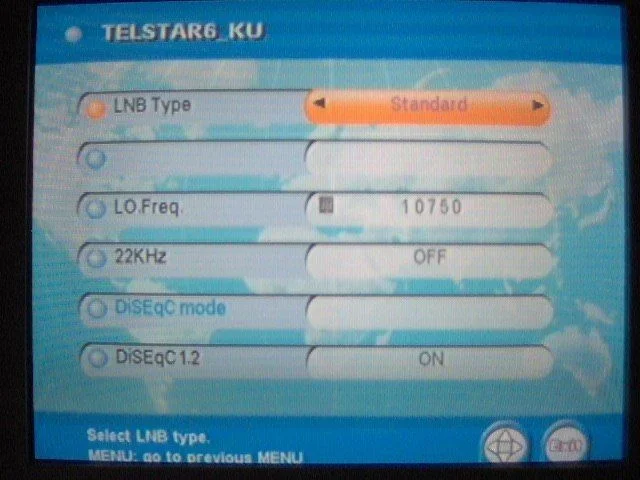
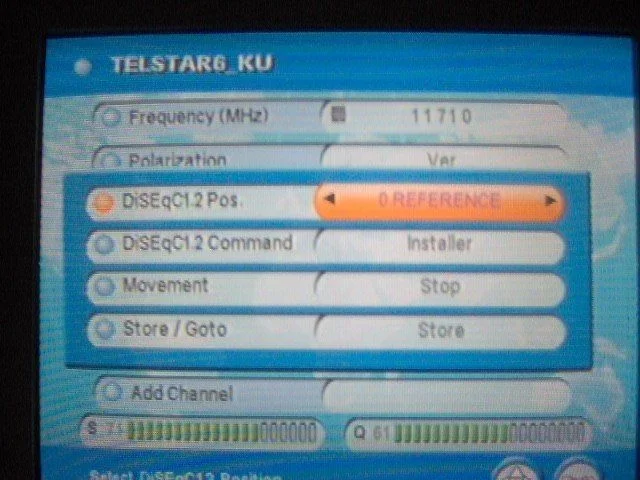
I tried to understand the manual, but like most FTA receiver manuals, they aren't real helpful. So I went to LNB and hit OK. Here is where you can change the LO frequency, change 22k or Diseqc and say whether or not you want a motor. One bummer was as soon as I changed the DiseQc 1.2 to "ON", the DiseQc option disappears. No biggie as I have a 22K switch. So I changed my 2x1 switch to a 22k switch (I have 2 LNB's on my setup..one KU and one DBS). Backed myself to the main TP screen and went to an active TP. Hit "OK" to hit the motor screen. Made sure the TP was right and went to 1.2 and moved the motor. Cool part is when you hit a direction, it moves until you hit another button. Just like that, I had a quality of 61. Saved it and scanned the transponder to log in the channel. Did this with all the satellites. Once I had most of the satellites scanned, now the fun began. What can this little bugger do?
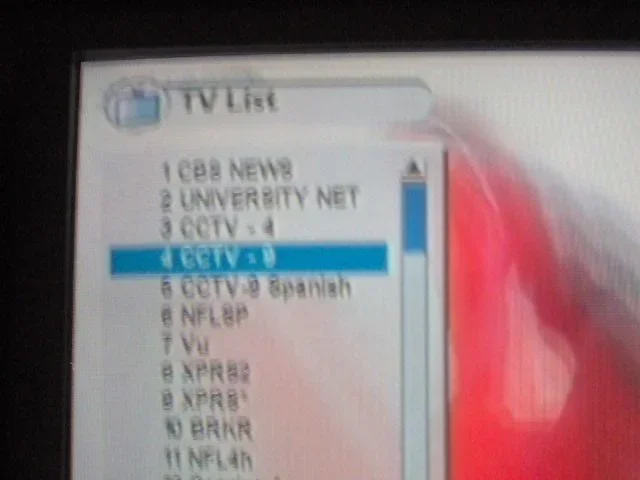
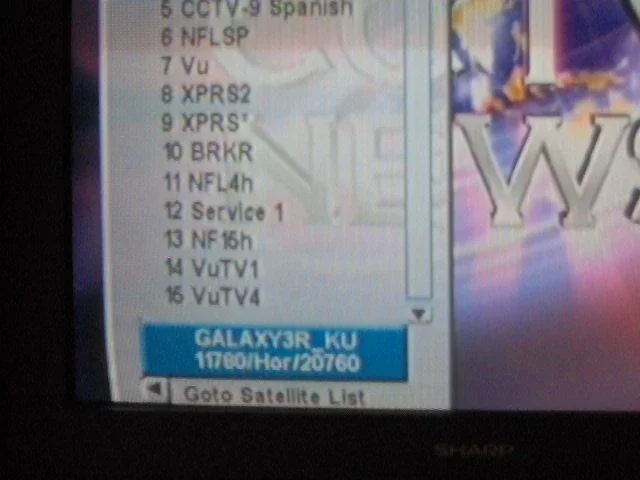
Channel changing is very fast. Once I was on a satellite, channel changing was easy to burn through the channels. Motor movement is the same as other units I've had (quick note–to move the dish faster, pick a horizontal transponder..more volts go to the unit). Maneuvering through the channel list on screen is very user friendly. At the bottom of the channel list, it tells you what satellite it would be on along with TP info.
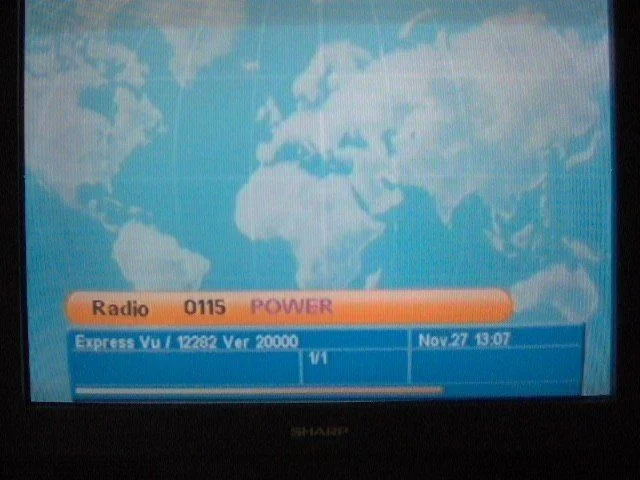
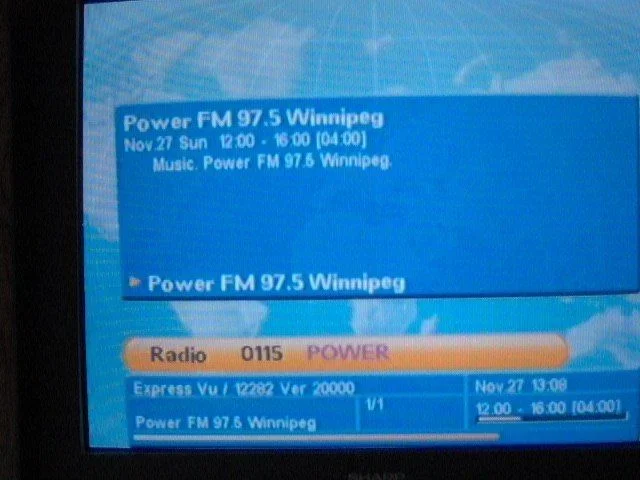
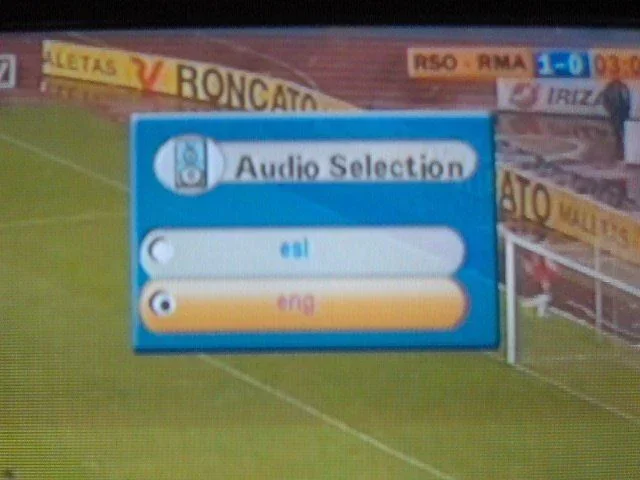
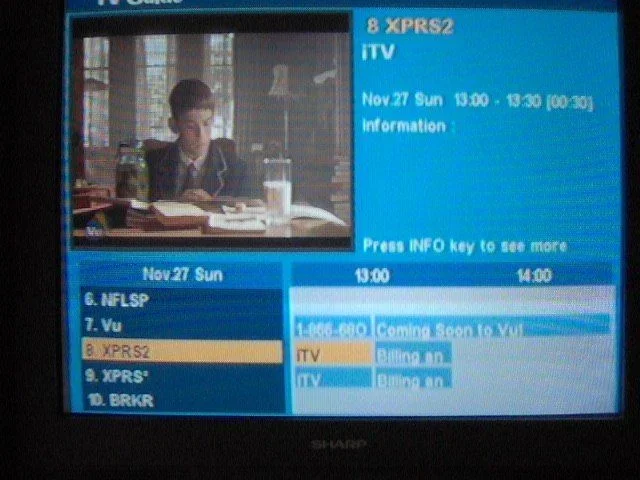
The EPG only works on ExpressVu, which came up pretty quick. One touch of the info button and you have guide info (but since most FTA channels don't have EPG, this is a moot point). If you are on a channel with multiple audio channels, hit Language to see your options.
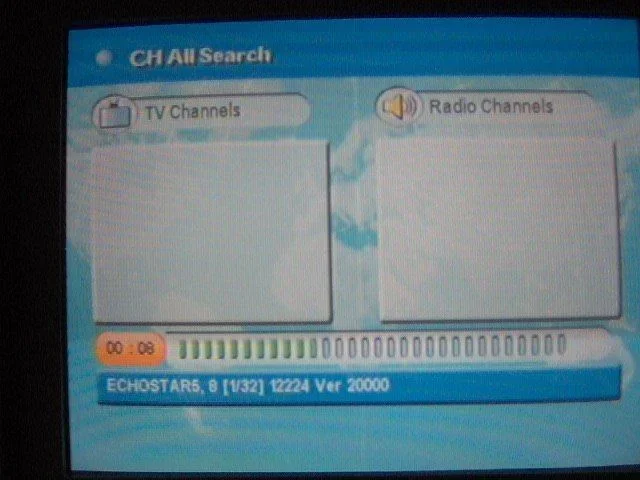
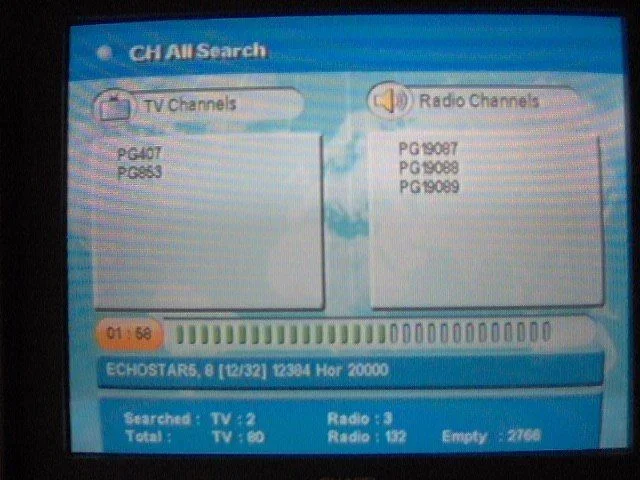
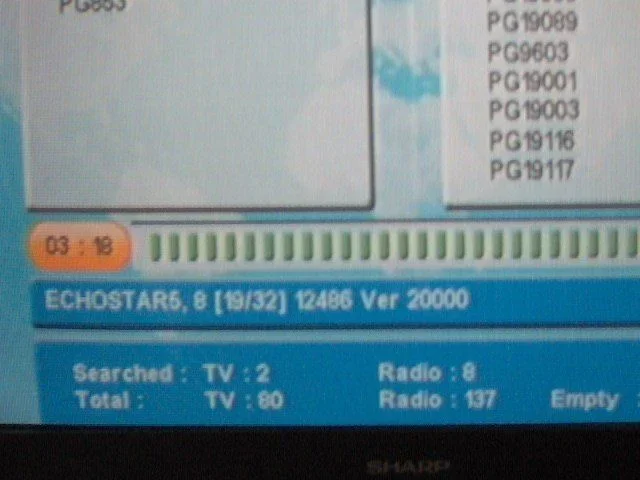
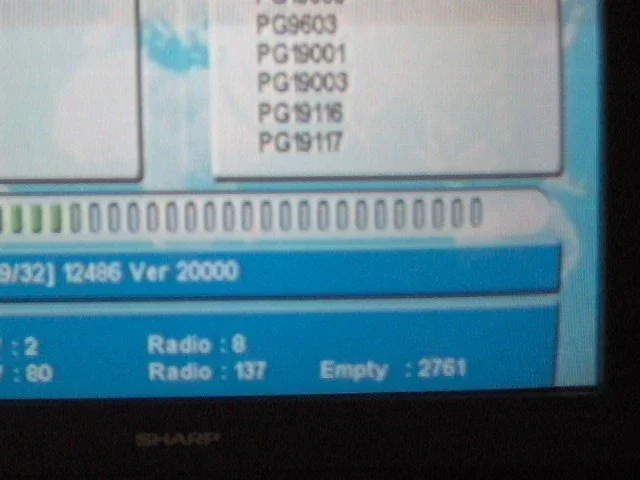
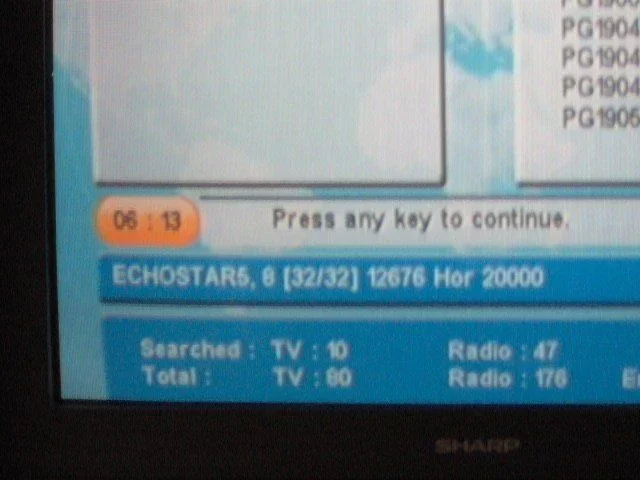
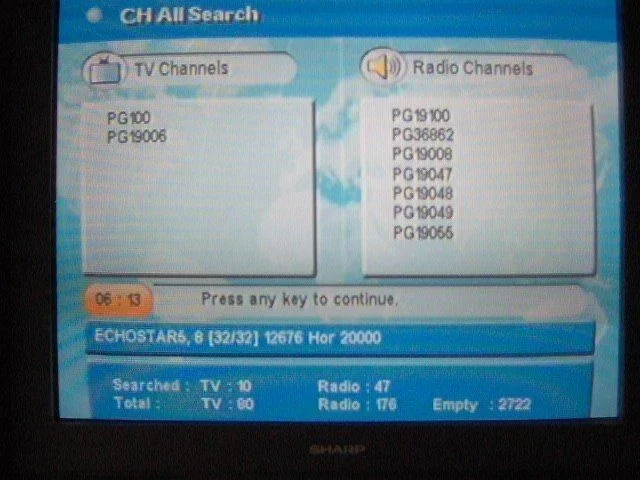
You can scan just one TP or all that you have stored. While scanning, it tells you how many channels you have searched and the total amount you've used up. With 3200 channnels max, it will be a while for me to do that
Most KU band TP's scanned in under a minute or so. The DBS ones took longer due to the amount of channels it had to process and whether or not it was free. It took about 6 minutes to scan 110 and a little less for 119. One advantage is no dummy channels.
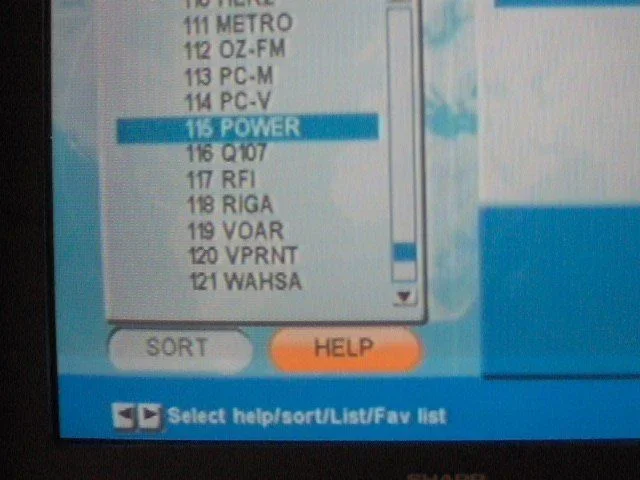
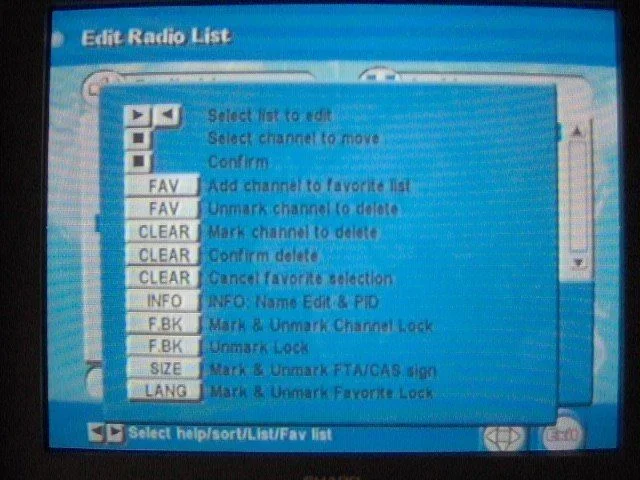
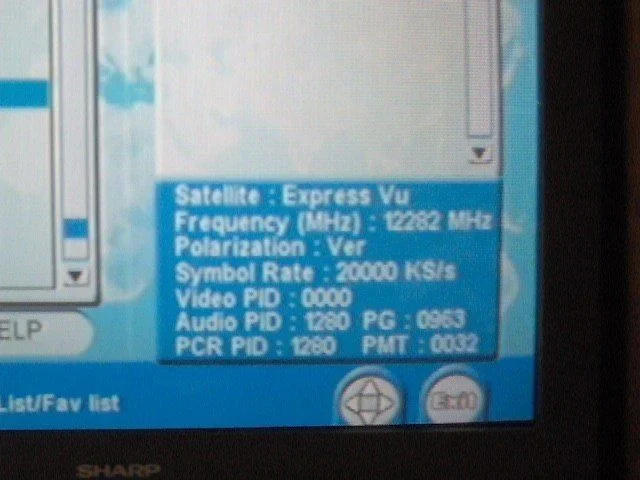
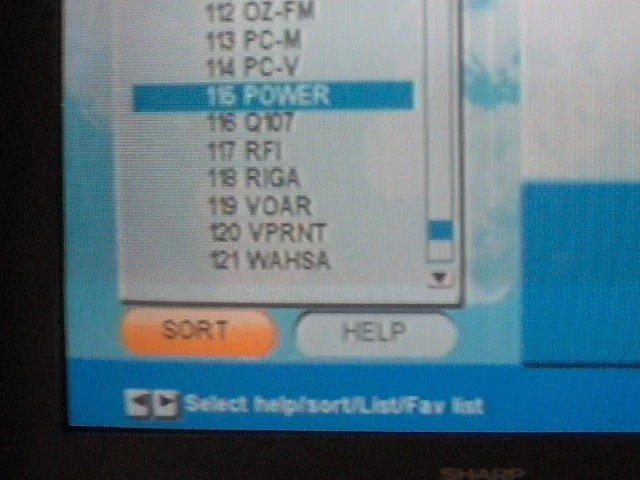
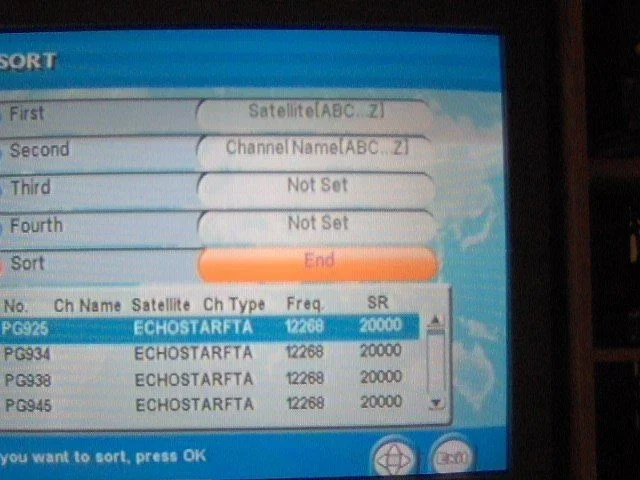
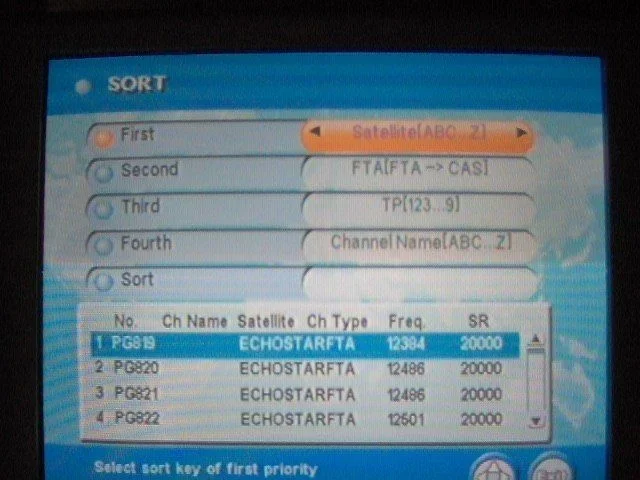
One of the things I liked, besides the easy to navigate menus, was the help button. Don't remember how to do something? Hit the help button. This worked great when editing channel lists. I hit help and it told me which button to hit to save as a favorite, how to delete the channels,. And how to lock channels. Also in the channel edit slot, it lists EVERYTHING about a channel, including the TP frequency, polarity, symbol rate & PIDS. Another awesome feature is the sort option. You can sort channels by satellite, TP, name, and a couple other options. This worked great for the audio channels. When I scan audio channels, I hate having to sort them in order. I had audio from 82, 91 & 119 all mixed and not in order. I said sort by satellite and channel name. Voila. It sorted them as Dish 119, ExpressVu 91 & ExpressVu 82 and the channels were sorted in order. So Audio channels were 819, 820, 821, etc then Nimiq1 channels sorted by name. This is a real cool feature. Add a real time clock and timer fuction, and you have a real nice unit.
Some of the features are
-easy menu functions
-EPG
-software upgrades via RS232 cable
-DiseQc 1.2
-Digital audio output
-universal remote
-fast scanning
-easy to set up transponder list
-auto polarity when scanning
-4 favorite lists
-easy to rename satellites or channels
-easy sort of channels by satellite, transponder & channel name
-3200 channel and 1200 transponder capacity
-very clean picture using the a/v cables and the s-video. Very sharp picture
-add channels by PID
-Network search
-parental controls
-real time clock with timer function
-pause & zoom feature
The only minor nuisances are
-no blind scan (the box says blind scan but I haven't figured it out yet)
-can't use a DiseQc switch with motor (will work with a 22K switch)
I hooked it up to my motorized unit and away we went. One thing I really like is the menu setup. Its pretty straight forward. My options (since it was new) were install, system setup and the games. So I went into install and checked out the options. LNB power is pretty self explanatory. I left it on for obvious reasons. I could set my limits on the motor, but I really didnt feel it was necessary. So into TP configuration I went and found my true south, IA6. Since this is a newer unit, I thought the new name would be in. Alas, it said "Telstar 6"....hit info and you can change the satellite name.
I tried to understand the manual, but like most FTA receiver manuals, they aren't real helpful. So I went to LNB and hit OK. Here is where you can change the LO frequency, change 22k or Diseqc and say whether or not you want a motor. One bummer was as soon as I changed the DiseQc 1.2 to "ON", the DiseQc option disappears. No biggie as I have a 22K switch. So I changed my 2x1 switch to a 22k switch (I have 2 LNB's on my setup..one KU and one DBS). Backed myself to the main TP screen and went to an active TP. Hit "OK" to hit the motor screen. Made sure the TP was right and went to 1.2 and moved the motor. Cool part is when you hit a direction, it moves until you hit another button. Just like that, I had a quality of 61. Saved it and scanned the transponder to log in the channel. Did this with all the satellites. Once I had most of the satellites scanned, now the fun began. What can this little bugger do?
Channel changing is very fast. Once I was on a satellite, channel changing was easy to burn through the channels. Motor movement is the same as other units I've had (quick note–to move the dish faster, pick a horizontal transponder..more volts go to the unit). Maneuvering through the channel list on screen is very user friendly. At the bottom of the channel list, it tells you what satellite it would be on along with TP info.
The EPG only works on ExpressVu, which came up pretty quick. One touch of the info button and you have guide info (but since most FTA channels don't have EPG, this is a moot point). If you are on a channel with multiple audio channels, hit Language to see your options.
You can scan just one TP or all that you have stored. While scanning, it tells you how many channels you have searched and the total amount you've used up. With 3200 channnels max, it will be a while for me to do that
Most KU band TP's scanned in under a minute or so. The DBS ones took longer due to the amount of channels it had to process and whether or not it was free. It took about 6 minutes to scan 110 and a little less for 119. One advantage is no dummy channels.
One of the things I liked, besides the easy to navigate menus, was the help button. Don't remember how to do something? Hit the help button. This worked great when editing channel lists. I hit help and it told me which button to hit to save as a favorite, how to delete the channels,. And how to lock channels. Also in the channel edit slot, it lists EVERYTHING about a channel, including the TP frequency, polarity, symbol rate & PIDS. Another awesome feature is the sort option. You can sort channels by satellite, TP, name, and a couple other options. This worked great for the audio channels. When I scan audio channels, I hate having to sort them in order. I had audio from 82, 91 & 119 all mixed and not in order. I said sort by satellite and channel name. Voila. It sorted them as Dish 119, ExpressVu 91 & ExpressVu 82 and the channels were sorted in order. So Audio channels were 819, 820, 821, etc then Nimiq1 channels sorted by name. This is a real cool feature. Add a real time clock and timer fuction, and you have a real nice unit.
Some of the features are
-easy menu functions
-EPG
-software upgrades via RS232 cable
-DiseQc 1.2
-Digital audio output
-universal remote
-fast scanning
-easy to set up transponder list
-auto polarity when scanning
-4 favorite lists
-easy to rename satellites or channels
-easy sort of channels by satellite, transponder & channel name
-3200 channel and 1200 transponder capacity
-very clean picture using the a/v cables and the s-video. Very sharp picture
-add channels by PID
-Network search
-parental controls
-real time clock with timer function
-pause & zoom feature
The only minor nuisances are
-no blind scan (the box says blind scan but I haven't figured it out yet)
-can't use a DiseQc switch with motor (will work with a 22K switch)
Attachments
-
 NEO 01.webp34.7 KB · Views: 736
 -
 NEO 02.webp27.6 KB · Views: 654
 -
 NEO 03.webp9.5 KB · Views: 581
 -
 NEO 04.webp54.2 KB · Views: 763
 -
 NEO 05.webp55.6 KB · Views: 548
 -
 NEO 06.webp62.4 KB · Views: 553
 -
 NEO 07.webp55.9 KB · Views: 502
 -
 NEO 08.webp44.4 KB · Views: 480
 -
 NEO 09.webp52.4 KB · Views: 445
 -
 NEO 10.webp54.5 KB · Views: 475
 -
 NEO 11.webp30 KB · Views: 547
 -
 NEO 12.webp17.8 KB · Views: 497
 -
 NEO 13.webp26 KB · Views: 472
 -
 NEO 14.webp41.2 KB · Views: 453
 -
 NEO 15.webp41.6 KB · Views: 440
 -
 NEO 16.webp31.2 KB · Views: 534
 -
 NEO 17.webp43 KB · Views: 440
 -
 NEO 18.webp53 KB · Views: 436
 -
 NEO 19.webp33.8 KB · Views: 440
 -
 NEO 20.webp24.9 KB · Views: 410
 -
 NEO 21.webp33.4 KB · Views: 387
 -
 NEO 22.webp48.7 KB · Views: 380
 -
 NEO 23.webp35.3 KB · Views: 386
 -
 NEO 24.webp56.9 KB · Views: 414
 -
 NEO 25.webp39.6 KB · Views: 392
 -
 NEO 26.webp49.8 KB · Views: 536
 -
 NEO 27.webp44.2 KB · Views: 575
 -
 NEO 28.webp43.5 KB · Views: 395
 -
 NEO 29.webp47.1 KB · Views: 400
 -
 NEO 30.webp49.3 KB · Views: 453
 -
 NEO 31.webp50.1 KB · Views: 489


