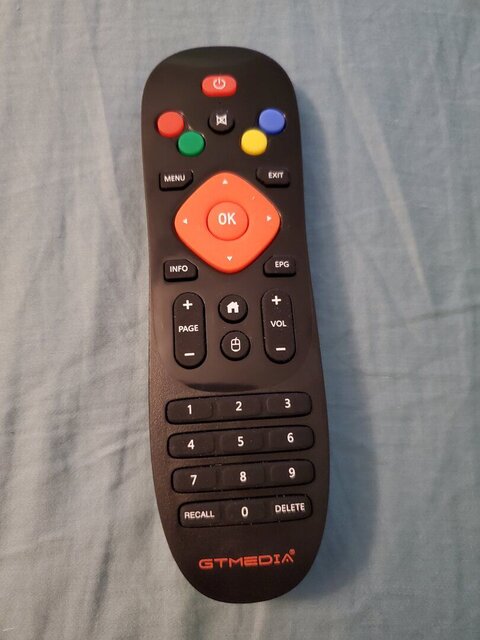
Hi everyone. I just got a GTMedia GTC receiver. So far I'm having good luck with it, but I can't figure out how to choose which audio stream (maybe they're called languages) I'm listening to when watching a TV channel. For instance, I'm watching COZI on 103 right now. The channel info shows that ENG and FRE are both available but I can't figure out how to change to a different one. I've done this with other receivers before. It's probably staring me in the face, but I just can't seem to find it. Any advice would be greatly appreciated!


OTHER Audio question on GTMedia GTC
- Thread starter kb0lcr
- Start date
- Latest activity Latest activity:
- Replies 4
- Views 2K
-
ENJOY SATELLITEGUYS AD FREE THIS FEBRUARY!
Thank you to the very generous support we got from our members in December we have decided to make the month of February AD FREE for everyone!
We want to see the true speed of our site and enjoy SatelliteGuys the way it was meant to be enjoyed!
If you would like to help us keep the lights on and keep enjoying the site AD FREE consider becoming a PUB MEMBER by CLICKING HERE.
THANK YOU TO EVERYONE FOR YOUR SUPPORT!




Similar threads


