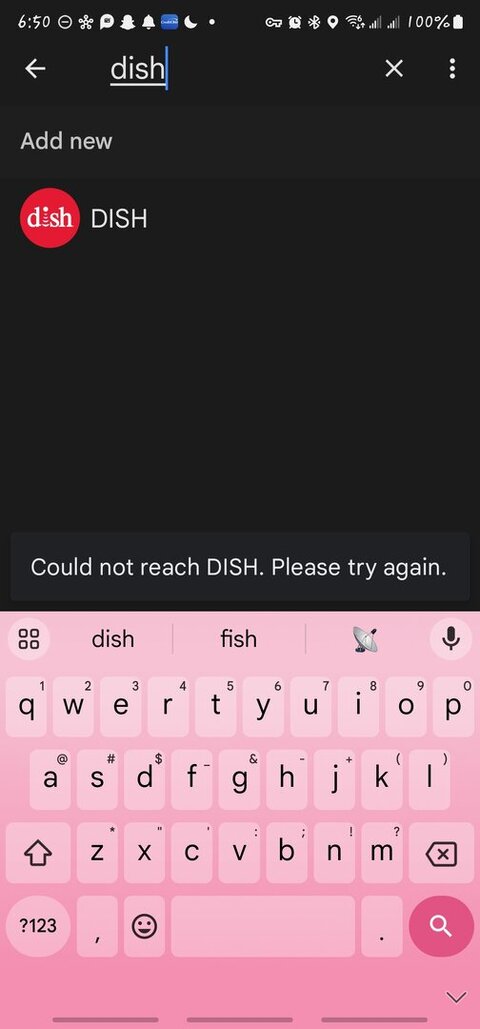
"Could not reach DISH. Please try again".

Still have the problem described above. Support at Dish is like talking to a 2nd grader. Google support says it's not their problem.

PLEASE LOG IN TO GET RID OF THESE ADS!
 
  • Like
Reactions: charlesrshell
Any update on this issue? This has been going on for quite some time. My blind mom depends upon being able to use the google interface.

None yet - I will follow up with the team and see what kind of progress has been made.

PLEASE LOG IN TO GET RID OF THESE ADS!
 
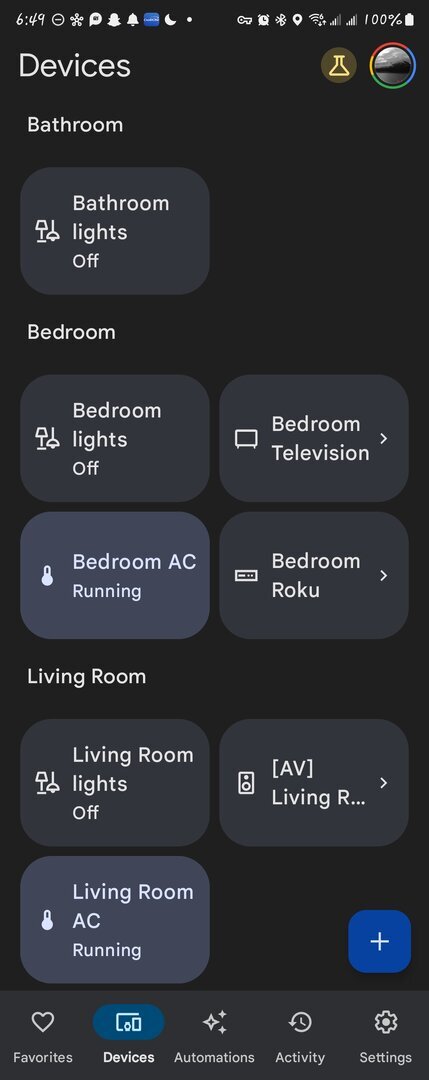
Hey, I'm having precisely the same issue as of September 1st. I was having intermittent issues with my "Ok, Google turn off Hopper Plus" not working on my Google enabled devices. Or going into home app, and it not showing a stream was going...

So I deleted my Hopper Plus and My Joey from the app and alas! It would never show up again as a device connected to my networks. It's not even in the list.

Ethernet or WiFi. Both tried. I've also reset both of the receivers to factory defaults and set them up again and reconnected. Rinse and repeat. Signed out of Google, cleared...ended session on Google account. Rinse and repeat.

Now, when I go to link my dish account it just says the same error as this title :(
 

Attachments

  • Screenshot_20230902_064932_Home.jpg
    Screenshot_20230902_064932_Home.jpg
    45.3 KB · Views: 210
  • Screen_Recording_20230902_065110_Home.mp4
    3.6 MB
  • Screenshot_20230902_065021_Google.jpg
    Screenshot_20230902_065021_Google.jpg
    46.5 KB · Views: 217
  • Sad
Reactions: charlesrshell
Dish never makes promised call backs. Google Home still insists it's a 3rd party app problem. Neither knew anything about a P0 priority. Onstar just had a similar problem and not provided an estimated repair time, but beat that time by several hours.


PLEASE LOG IN TO GET RID OF THESE ADS!
 
  • Like
Reactions: charlesrshell

Dish/Netflix

All My Locals are gone