Picture Rotation

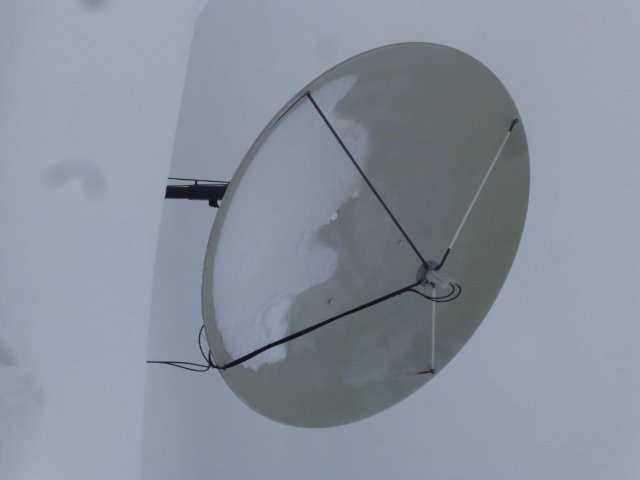
Upload a image to a post. The picture was taken with my camera turned sideways. When i upload the picture, it shows the picture sideways, i want to rotate it so it shows visually correct.

In windows it shows it right side up, so, i cannot rotate it within windows explorer, it seems to have no effect.

Example picture :
 

Attachments

  • P1050298 (Large).JPG
    P1050298 (Large).JPG
    45.3 KB · Views: 5
  • Like
Reactions: charlesrshell
Upload a image to a post. The picture was taken with my camera turned sideways. When i upload the picture, it shows the picture sideways, i want to rotate it so it shows visually correct.

In windows it shows it right side up, so, i cannot rotate it within windows explorer, it seems to have no effect.

Example picture :

You should be able to rotate it 90 degrees and save with an image editing program then upload it. I use GIMP myself but there are many out there.
 
You should be able to rotate it 90 degrees and save with an image editing program then upload it. I use GIMP myself but there are many out there.
I figured it out.. Seems crazy. i didn't have this problem in windows7. Rotate left/rotate right would physically rotate the image. Now, it just visually rotates it. I have to send the picture to Paint, and its automatically oriented correctly, so, i just have to load it into paint, and hit the save button.. Seems like a long work around.
 
  • Like
Reactions: charlesrshell

Ad Free for February