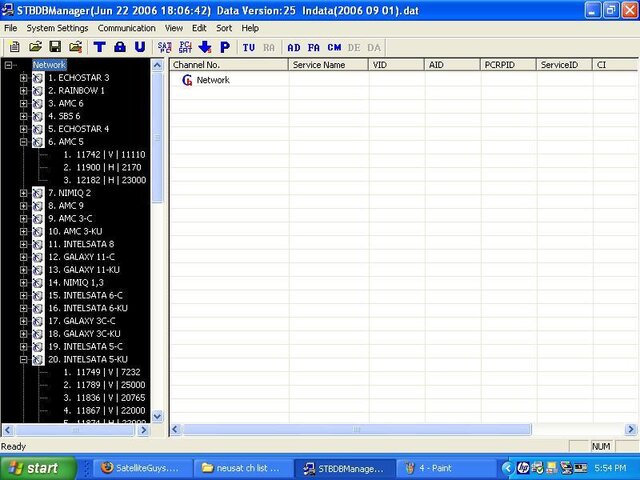
Scanning the internet, I came across these instructions on uploading a Scanned Channel list from the Neusat SP6000 to the Neusat STBDBManger
1. Connect the RS232 NUL cable to the STB and The computer.
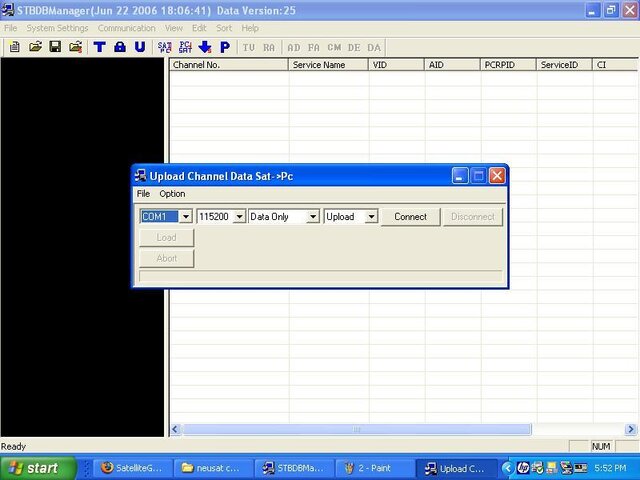
2. Check com port settings. Com 1 and com 2 are common. However if using a USB connection through the RS232, go to MY COMPUTER, right click on the icon, select properties, Hardware tab, then select Device Manager, scroll down to "Ports (com and LPTR). Check the proper one.
3. Turn STB "ON"
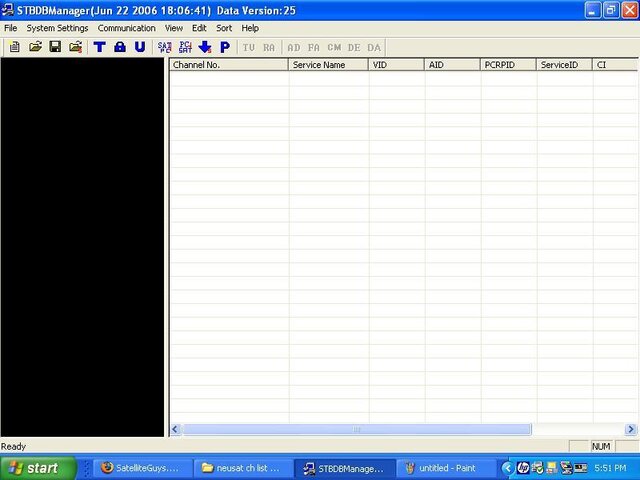
4. Start the Neusat STBDBManger program.
5. Go to File and select New
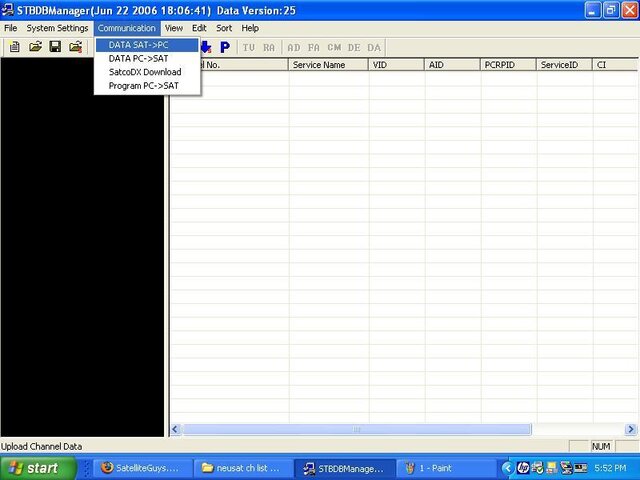
6. Go to Communications and select Data Upload
7. Click "Connect"
8. Turn Off the Neusat.
9. Turn on the Neusat
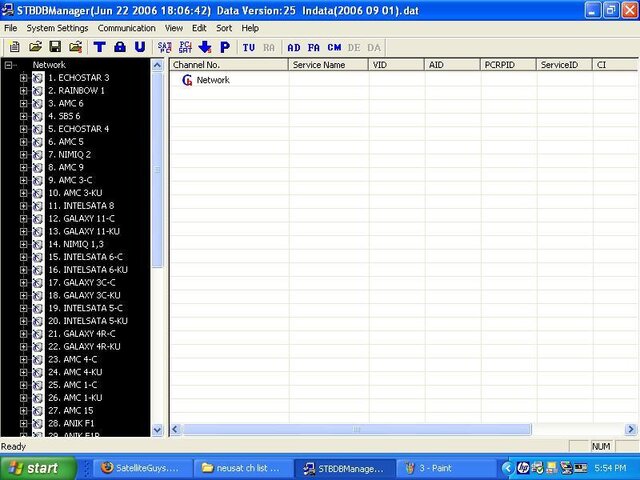
10. The transfer will start.
11. Save you upload to your computer
Would someone test it and see if it works?

: